Originally written: Febuary 2024
"Tell me if I will win the legal issue surrounding this case."
A fee earner typed that into our prototype during a user-research session in early 2024. It's a perfectly reasonable thing for a solicitor to want to know. It's also a question no responsible legal AI should answer.
We were building Copilot AI — an assistant for solicitors, fee earners, and legal secretaries inside a UK case management system. The brief was straightforward enough: give legal professionals an AI they could actually use in their day-to-day work. Drafting standard documents, summarising case notes, managing deadlines. Practical stuff.
The model wasn't the issue. GPT-4 can do plenty. What kept breaking down was the gap between what users typed and what the system could usefully return. People came in with expectations shaped by consumer AI — ask anything, get an answer — and hit outputs that were either too vague to act on, too literal to be useful, or occasionally, genuinely risky.
The prompts shaping how users talked to the system were where everything was falling apart. And that, it turned out, was a design problem.
Our perspective on prompt design
Most teams treat prompts as an engineering concern. You pick a model, you write some system instructions, and you ship. The UX team gets involved when something looks wrong on screen.
That framing misses something important. In a product like Copilot AI, the prompt is the interface. It's the first thing the user touches, the thing that sets their expectations, and the thing that determines whether the output is useful or not. If the prompt is broken, no amount of good UI around it fixes the experience.
Legal professionals are particularly unforgiving on this. They're precise by training. When an AI returns something vague or hedged, they don't give it the benefit of the doubt — they bin it and go back to doing it manually. Trust, once lost, is very hard to rebuild.
So we stopped treating prompt quality as a technical detail and started treating it as a design decision. Every prompt that shipped needed to earn its place.
The six elements
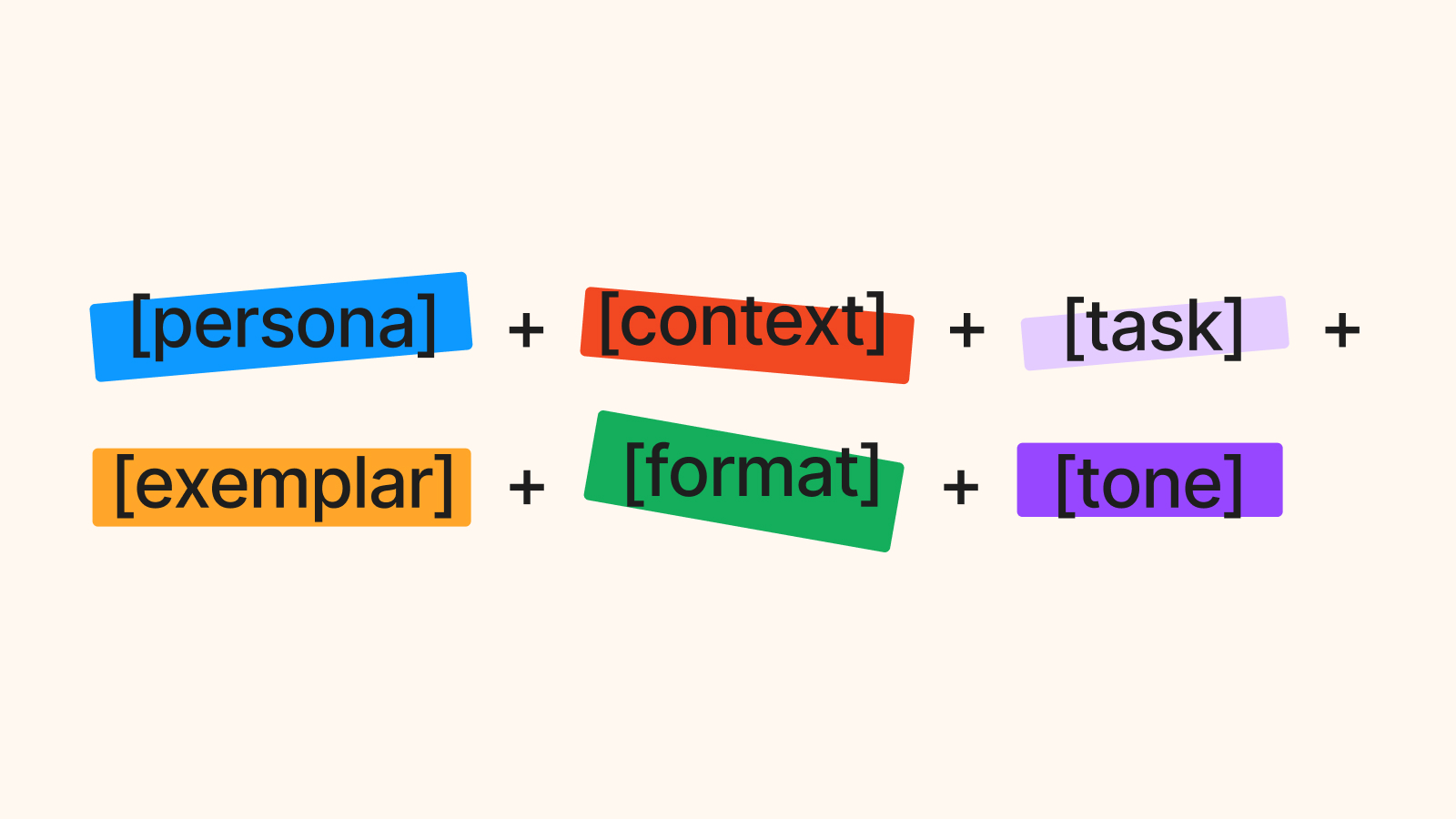
Out of the research, we developed what we called the SIX Prompt Rule — a framework for evaluating whether a prompt was ready to ship. Six elements, grouped by how much weight they carry.
Task. Every prompt has one job. The task is that job, written as an action verb. Generate. Draft. Analyse. Compile. Summarise. Build. "Help me with this contract" isn't a task — it's a wish. When a prompt isn't working, the task is the first place I look.
Context. Without context, the model is guessing. Context limits the range of possible responses and keeps outputs relevant to the user's actual situation. We found three questions useful: What's the user's background? What does success look like for them? What environment are they working in? A fee earner drafting a Section 21 notice needs different context set than a legal secretary sending a client update letter.
Exemplar. Not every prompt needs one, but including a relevant example significantly improves output quality. Show the model what good looks like. In practice, this meant building a library of worked examples for the most common legal tasks — letters, summaries, case notes — so the system had something concrete to reference.
Persona. Who do you want the AI to be in this interaction? A neutral assistant? A cautious legal advisor? An efficient document drafter? Persona shapes tone, confidence level, and the degree to which the output hedges. In a legal context, getting persona wrong isn't just an annoyance — it can produce outputs that feel inappropriately casual or, worse, ones that overstate certainty on legal matters.
Format. What should the output actually look like? A bulleted list? A formal letter in a specific template? Plain prose the user can edit? We found that legal professionals had strong preferences here, and that unstructured outputs — even accurate ones — got rejected because they created more work to reformat. Specifying format explicitly cut that friction significantly.
Tone. Formal, professional, direct, cautious. The legal sector has a particular register, and outputs that drifted outside it — too casual, too speculative, too conversational — eroded trust even when the content was correct. Tone is the last thing you tune, but it's not optional.
The first two — task and context — are mandatory. Without them, a prompt has no real chance of working. The remaining four are important, with exemplar being the one most teams skip and most regret skipping.
What it changed
Before the framework, prompts were written ad hoc. Different team members approached them differently, there was no review process, and quality was inconsistent across the product. Some prompts returned genuinely useful outputs. Others produced the kind of confident-but-wrong responses that make legal professionals deeply uncomfortable.
The SIX Prompt Rule gave us a shared language. In reviews, we could point to exactly where a prompt was failing — usually missing context, or using a task that was too vague — rather than saying "this doesn't feel right." That specificity made iteration faster and made sign-off conversations with stakeholders much more straightforward.
It also changed how we thought about the user research. We started watching specifically for what users expected the system to do, not just what they actually typed. That gap — between expectation and input — was where the most useful prompt design work happened.
The research uncovered a strong demand for real-time responses and seamless integration into existing workflows. Legal professionals didn't want a separate AI tool they had to context-switch into. They wanted the assistance to arrive where the work already lived. That shaped how we framed the prompts: as part of the case management flow, not as an add-on chat interface.
A note on prompt design
The SIX Prompt Rule isn't a rigid template. It's a checklist for deciding whether a prompt is finished. Two years on from building Copilot AI, I still use it whenever I'm sketching how an AI feature should behave — whether that's in a legal product, a case management system, or anything else where the output has real consequences.
If you're designing for AI, the most useful shift you can make is to stop thinking of the prompt as something engineering writes once and forgets. Treat it like microcopy. Every word earns its place, every element has a job, and the prompts shape the product more than the model does.


